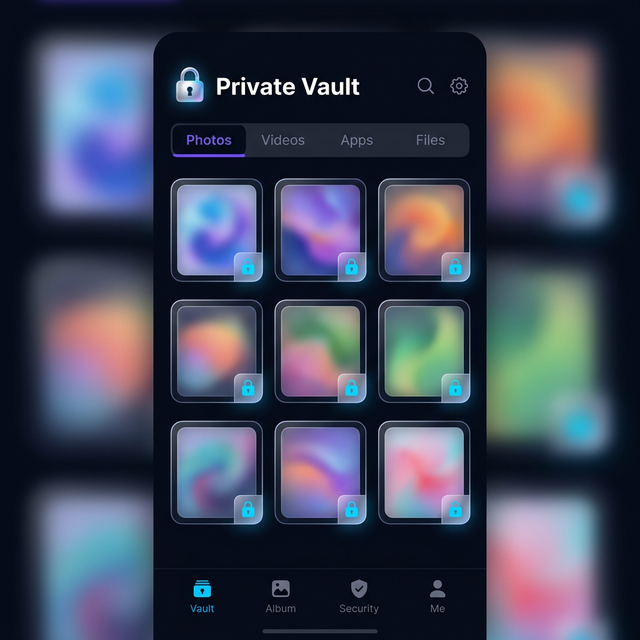
Hide It Pro has been around for years and takes a completely different approach to disguise — it hides behind an Audio Manager icon rather than a calculator. Both it and Calculator Hide App promise to keep your private files hidden. But they work differently in ways that matter for security.
The Disguise Approach
Calculator Hide App
Disguises as a fully functional calculator. You enter your PIN as a mathematical calculation and press ”=”. The calculator itself works — anyone testing it can do arithmetic with it. The disguise is extremely convincing because calculators are universal and uncontroversial.
Hide It Pro
Disguises as an Audio Manager. The icon shows a speaker/volume control and it actually functions as a volume manager. To access the vault, you long-press the app title. The Audio Manager disguise is clever but increasingly well-known — many people now recognise it as a common vault app cover.
Encryption and File Security
Calculator Hide App
Uses AES-256 encryption for all stored files. The encryption is applied immediately upon import.
Hide It Pro
Hide It Pro uses 256-bit AES encryption as well. Both apps are comparable on encryption strength. The differences lie in disguise quality, features, and reliability.
Features Comparison
| Feature | Calculator Hide App | Hide It Pro |
|---|---|---|
| Photo and video vault | Yes | Yes |
| App hider (Android) | Yes | Yes |
| Private browser | Yes | Yes |
| Intruder selfie | Yes | Yes |
| Cloud backup | Yes | Limited |
| Multiple vaults | Yes | Paid only |
| Icon changing | Yes | Yes |
| iOS support | Yes | Yes |
| AES-256 encryption | Yes | Yes |
Reliability and Support
Calculator Hide App receives regular updates and has active developer support. Hide It Pro has a long track record but has had periods of slower updates. User reviews for Hide It Pro frequently mention ads and some features being paywalled in later versions.
Which Is Better for Your Situation?
Choose Calculator Hide App if you want the more convincing and universally recognised disguise, active development, and a strong free tier. The calculator cover is simply more natural-looking on a phone than an audio manager.
Choose Hide It Pro if you prefer the audio manager disguise or are already familiar with Hide It Pro’s interface and don’t want to migrate your files.
Frequently Asked Questions
Can I migrate from Hide It Pro to Calculator Hide App?
Yes. Export your files from Hide It Pro to your gallery, then import them into Calculator Hide App. It’s a manual process but straightforward.
Which has better iOS support?
Both have iOS versions. For a broader iOS comparison, see best photo vault apps for iPhone.