iPhone has stricter app store rules than Android — which means fewer vault apps but generally better quality. Here are the best options in 2026, ranked by what actually matters: encryption, disguise quality, and whether the free version is genuinely usable.
What’s Different About Vault Apps on iPhone
iOS does not allow third-party apps to hide other installed apps — that feature is Android-only. On iPhone, vault apps focus on photo and video privacy: importing files into an encrypted space so they disappear from your Camera Roll and iCloud. Every app on this list does that job well.
1. Calculator Hide App — Best Overall for iPhone
Calculator Hide App uses AES-256 encryption, has a fully functional calculator disguise, and offers Face ID and Touch ID support on iPhone. Files imported into the vault are encrypted immediately and disappear from your Camera Roll and iCloud Photos. The built-in private browser downloads content directly into the encrypted vault. The core features are free. Full guide: how to hide photos on iPhone.
Best for: iPhone users who want genuine AES-256 encryption with a free core feature set.
2. Keepsafe Photo Vault — Best Interface
Keepsafe is consistently the most polished vault app on the App Store. Album organisation inside the vault is excellent, Face ID support is smooth, and the onboarding experience is the best in class. The limitation: key features including cloud backup, album locking, and ad removal require a paid subscription. Full comparison: Calculator Hide App vs Keepsafe.
Best for: Users who prioritise interface quality and are willing to pay for premium features.
3. Calculator# (Hash) — Best for Simplicity
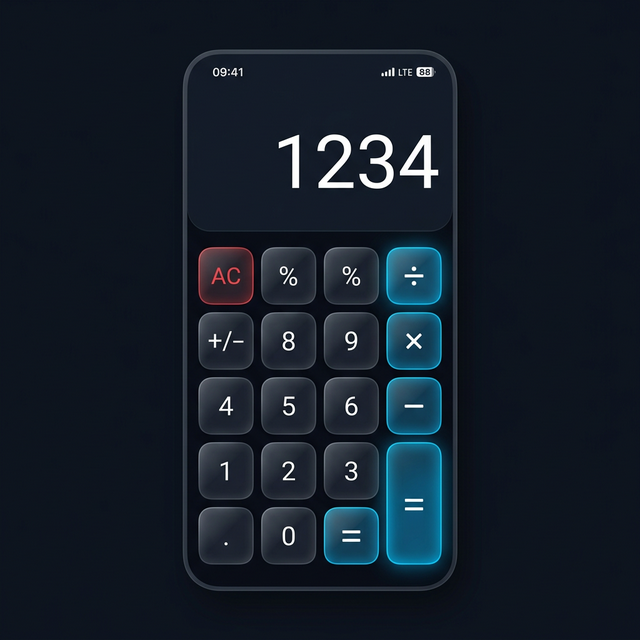
Calculator# is a long-standing App Store favourite with a clean, minimal interface. It uses a percentage sign (%) instead of ”=” to unlock the vault, which makes it slightly less guessable than the standard PIN + equals approach. Touch ID and Face ID supported. Cloud backup available on the paid tier.
Best for: Users who want a simple, no-fuss vault without complex features.
4. Private Photo Vault — Best for Large Collections
Private Photo Vault has been on the App Store for years and handles large media collections well — album management, sorting, and bulk import are all polished. It supports Face ID, has a private browser, and allows album-level PIN locking. Some features require payment.
Best for: Users with hundreds or thousands of photos who need strong organisational tools inside the vault.
5. Secret Photo Vault — Best for Beginners
The simplest option on this list. Minimal setup, clean interface, and straightforward import. Best for someone who just wants a basic hidden album with a PIN and doesn’t need advanced features.
Best for: First-time vault app users who want quick setup.
Quick Comparison
| Feature | Calculator Hide App | Keepsafe | Calculator# | Private Photo Vault |
|---|---|---|---|---|
| AES-256 encryption | Yes | Yes | Yes | Yes |
| Face ID / Touch ID | Yes | Yes | Yes | Yes |
| Calculator disguise | Yes | No | Yes | No |
| Free core features | Yes | Partial | Partial | Partial |
| Private browser | Yes | Paid | No | Yes |
Frequently Asked Questions
Can vault apps hide other apps on iPhone?
No. iOS does not allow third-party apps to hide installed apps. This is an Android-only feature. Vault apps on iPhone focus exclusively on hiding photos, videos, and other files.
Do these vault apps work with iCloud?
Files inside any of these vault apps are not synced to iCloud Photos — they’re stored in the app’s encrypted container. Most apps offer their own separate cloud backup option.